Segment Data Export not containing specific field
New

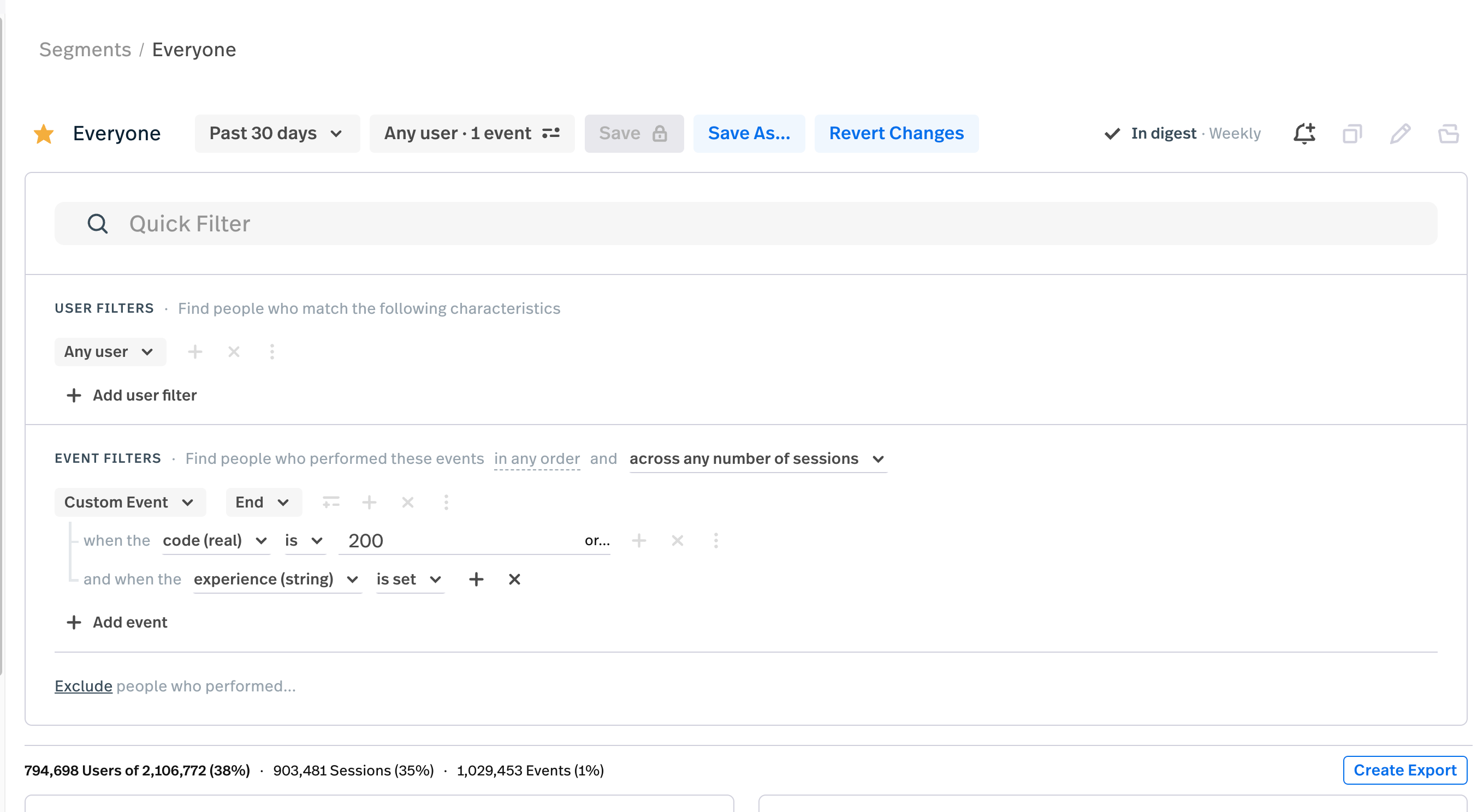
Whenever I try to create Segments Data Export as shown in above image based on experience filter, by clicking on Create Export , the exported JSON file doesn’t contain experience field. How can this be acheived?
Also, is it possible to aggregate data based on custom property like experience ? If yes then how
0
Comments
5 comments
Hi @vinodg006! Thanks so much for your question! 😊
From looking at the screenshot you provided, there’s a few things that come to mind that may be affecting the export here:
If you select “Events”, it will contain “EventVars” field that should have the properties you’re looking for!
Please let me know if you’re still having issues after double checking the “Events” export type and we can send this off to support!
@lindsay Thanks for the solution, it gave desired exported file.
But my other question is still unanswered
I need to achieve same result as we get in Metrics “Group By” in Segments also
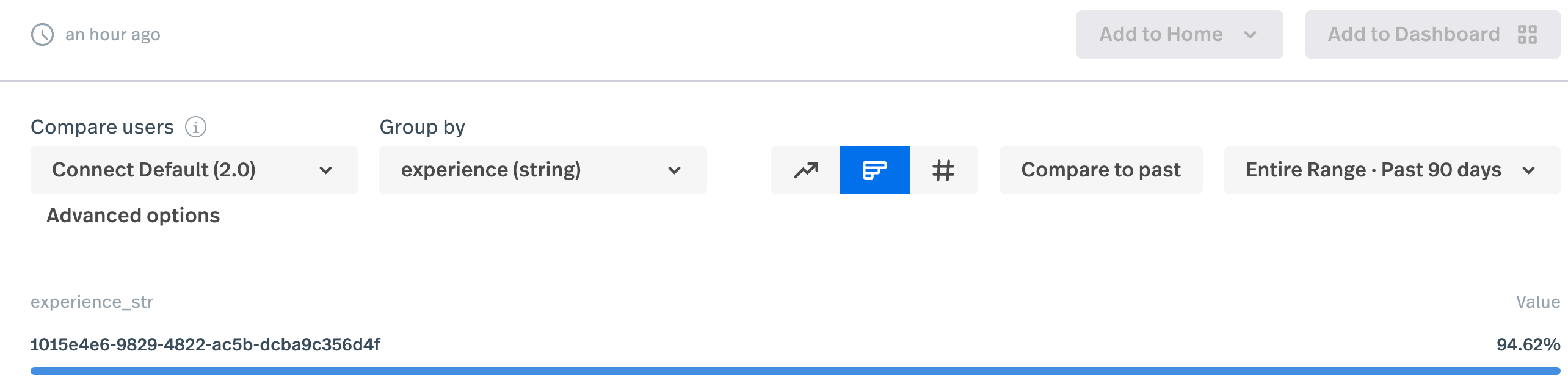
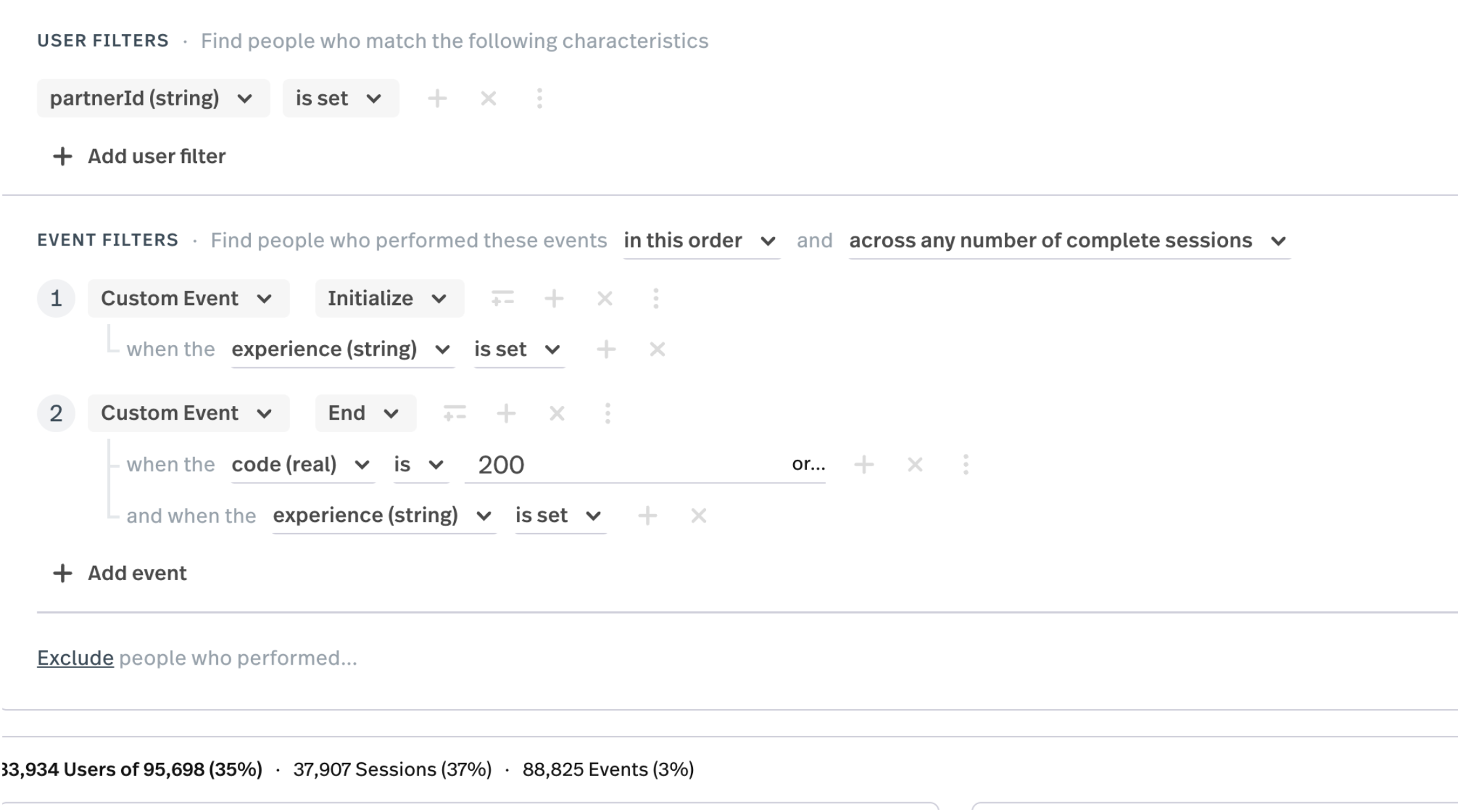
Also one other question related to event data that I get, does event data means clicks and mouse movement also or only custom event data like in image?
Hey @vinodg006! Thank you for your response!
I’m glad the solution worked for your export! I’m so sorry I missed the second part of your question.
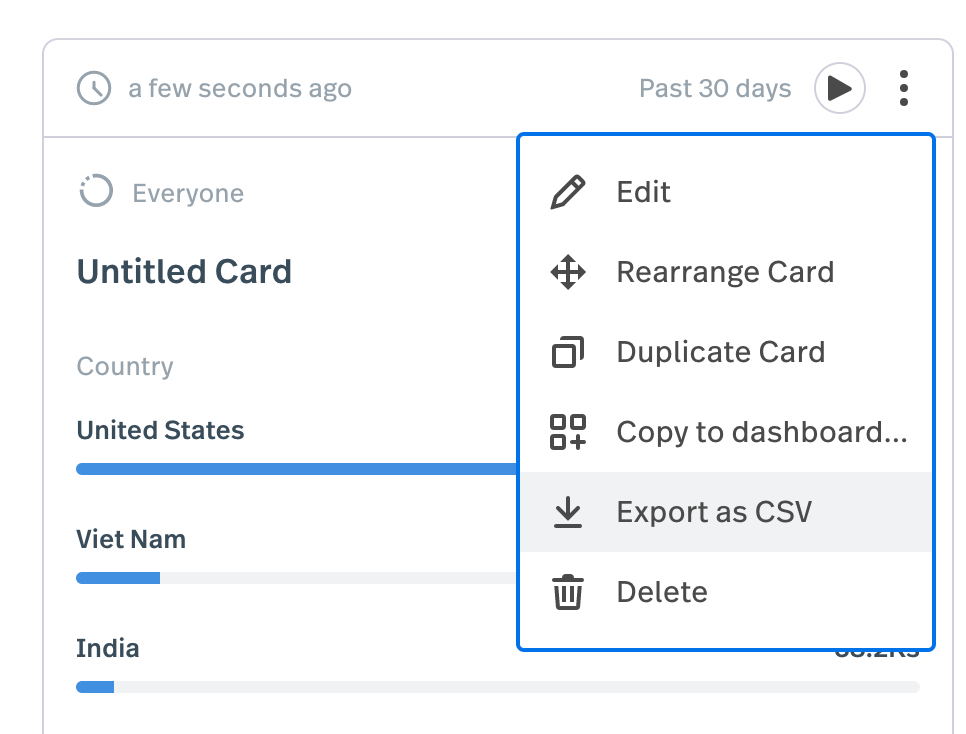
If you’re hoping to aggregate the ‘experience’ custom event property in your export, I’m afraid that is not possible. You would need to use a data analyst or BI tool, or have some expertise in Excel/Google Sheet to form a calculation to find the sum of each of those 'experience' custom event properties. Something you are able to do however, is export the dimensionality metric by saving it to a dashboard, and then exporting it from the dashboard.
As for your second question, events can be so much more than custom events! You can see a full overview of the user/event filters available to you here.
Please let me know if you have any other questions!
@lindsay Thanks for your solution for Dashboard Export as CSV option, it is giving desired output, but the data is limited to only 50 values, wanted to know
Hey @vinodg006! I’m glad that solution worked out for you!
Thank you for those followup questions!
I hope this helps and I hope you have a great weekend! 😊
Please sign in to leave a comment.